What Does "GST Pending" Mean on a Company in Vinimay?
You add your company and see a yellow GST Pending tag, a GSTIN box
saying Not added and a Setup pending label. Is something wrong?
These labels are on your company card on the Companies page. They tell
you what is still missing, so you know what to complete next.
This guide explains each label with screenshots. Red boxes have numbers
matching the text. There are 10 FAQs at the end. The page does not explain the
labels, so we say clearly where we are reading them from the screen.
Quick answer
•
Where: Companies page, company card.
•
GST Pending: GSTIN not added yet.
•
Fix: add GST registration details.
Step 1: Check the GST ready count
Open Companies. At the top, a label shows the number of companies
that are GST ready (image 1). In our example, it was 0.
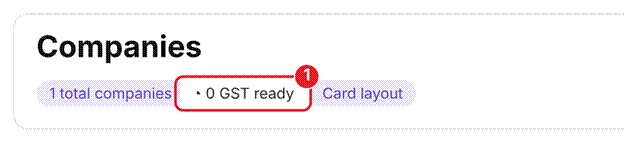
GST ready count (1)
Step 2: Read the company name and type
The card starts with the company name and its type, for example
Partnership (image 2).
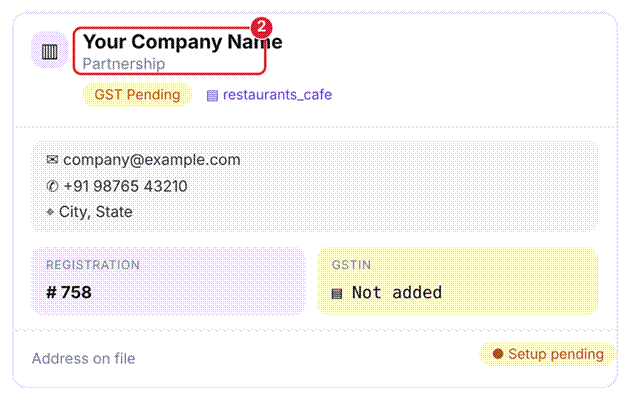
Company name and type (2)
Step 3: Find the GST Pending tag
Below the name is a yellow GST Pendingtag (image 3). In our
example, GSTIN was missing, so GST Pending likely means GST details are not
added yet. The page does not say this directly.
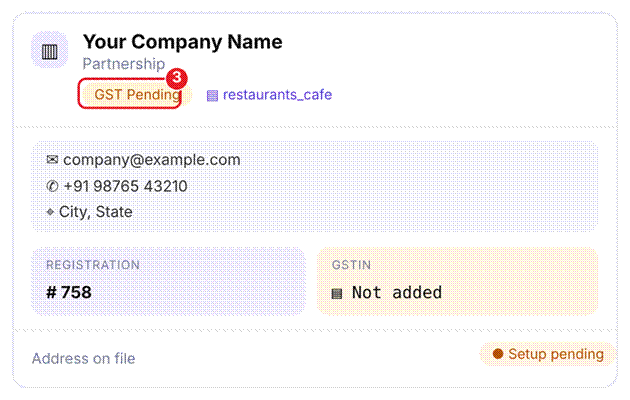
GST Pending tag (3)
Step 4: See the GSTIN box
At the bottom of the card, the GSTIN box (image 4) shows
"Not added". Next to it is the Registration number box.
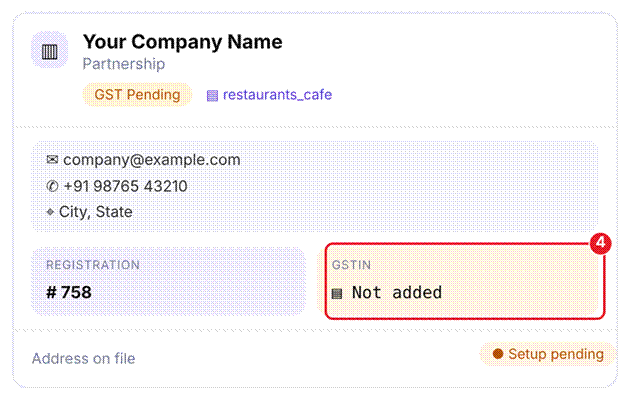
GSTIN box (4)
Step 5: Understand Setup pending
At the bottom right, a Setup pending label (image 5) is shown. At
the bottom left, a note says "Address on file" (image 6). We did not
see what else Setup pending needs, so check your company form.
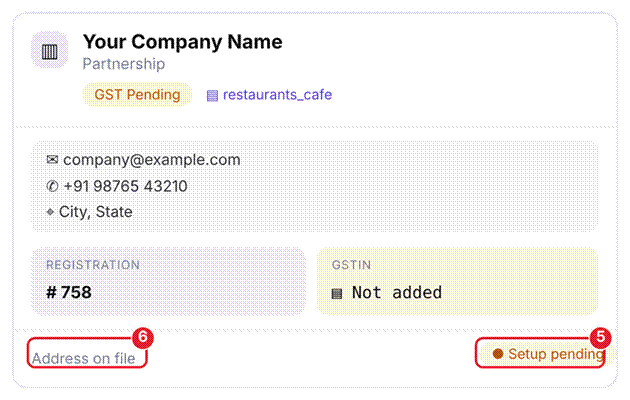
Setup pending (5) and Address on file
(6)
Step 6: Add the GST details
The Add Company form has three parts. The second is GST Registration
Details (image 7). Fill it to add your GSTIN. Our screenshots do not show
this part, so follow what you see on your screen.
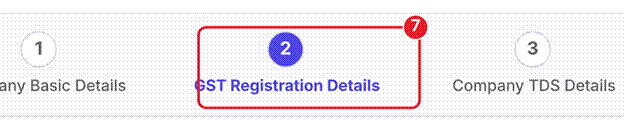
GST Registration Details part (7)
Tip:
GST Pending is just a status. You can still add the company, but
complete the GST part when you have your GSTIN.
Conclusion
The tags on a company card are hints. GST Pending and GSTIN Not added
tell you the GST details are not filled in.
Setup pending shows that the setup is not finished. Complete the missing
parts of the form.
After adding GST details, check the card again. The FAQs below answer common questions.